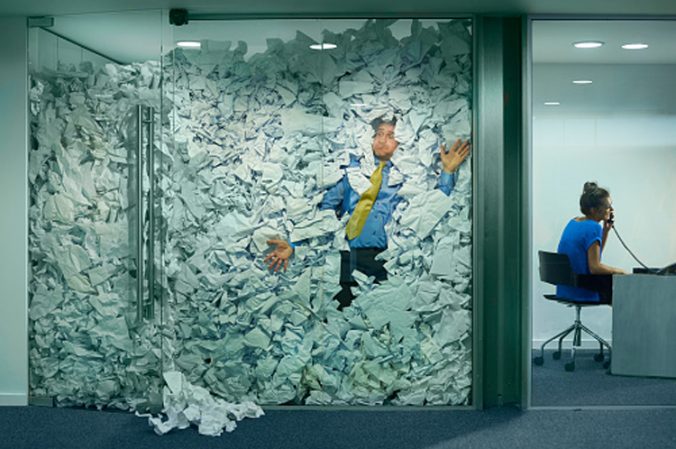
Have you lost track of the images and documents in your La Trobe microsite? Can’t find assets easily to link to your page content?
Like a desktop, a Content Management System (CMS) also needs to be regularly kept clean and tidy.
Here’s how you can re-establish order and take control of your CMS images and documents.
Uploading new images and documents
Always upload new images (jpeg format) to your site’s images folder, not under your site’s pages. Always upload new documents (PDF, Word or Excel format) to your site’s documents folder, not under your site’s pages.
This keeps your images and documents in an ordered location making them easy to find when linking to your page content. You can request images and documents folders to be set up by submitting a marketing request to the Web team.
Name your image and document assets with clear and concise titles. The title should convey the purpose of the asset.
If you upload an incorrect asset, you can use the replace a document function or replace an image function to update a version. The asset ID number remains the same, the latest version will update on all pages where the asset is linked.
Remember to change the status of your images and documents to ‘live’ in the status field on the details screen and publish your assets. If your assets are not live and published (clear cache on live assets), they will not display correctly on your web page – users will see a broken link or image.
Archiving old images and documents
Are there images or documents on your site that are no longer used? Unlinked, obsolete or duplicate assets create clutter, take up server space and, if live, appear in search results. We recommend reviewing your site every six months to archive old assets.
You can download a site report which lists total assets (including asset ID number, title, creation date, status and file type) for your site. You can place unused assets in ‘archive’ status on the details screen, and the Web team can remove these assets.
The suggested timeframe to keep annual reports is five years, newsletters three-six months, anything older should be archived from your site.
Metadata is important for images and documents
Apply clear, descriptive titles to your images and documents in the metadata field in the details screen.
Adding meaningful metadata to your images and documents is imperative for Search Engine Optimisation (SEO) and helps users find your pages in search engines. Learn more at our web guide’s add or edit metadata page.
Linking images and documents with asset ID numbers
Always link images and documents to your web page content using their asset ID number, not by a page link or url.
If you move content or pages and the asset ID number is not used, the link will break. Learn more at our web guide’s hyperlinking page.
For more information on managing images and documents, read our article 5 expert tips for wrangling your microsite documents.
As a web editor and LTU representative, you can ensure the content you publish and maintain is current and relevant. This can positively impact your site and audience.
Have questions about your web editing?
Remember, we’re always here to help! To reach out, please: